Designing Tipster Homepages: Integrating Performance Summaries with Subscription Prompts in WordPress
Written by Sofia Klein · Apr 11, 2026
Designing Tipster Homepages: Integrating Performance Summaries with Subscription Prompts in WordPress
The Role of Homepage Design in Tipster Sites
Tipster homepages serve as the front door for betting enthusiasts seeking reliable predictions, and experts observe how these pages blend data-driven performance summaries with seamless subscription prompts to drive conversions. Data from WordPress analytics tools reveals that sites optimizing this integration see up to 35% higher subscription rates, since visitors quickly grasp a tipster's track record before committing. What's interesting is that in April 2026, with WordPress 6.9 rolling out enhanced block editor features, designers now leverage dynamic content blocks to pull real-time stats directly into hero sections, making pages feel alive and trustworthy.
Observers note the challenge lies in balancing transparency with persuasion; performance summaries highlight metrics like win rates, ROI over 30 days, and total picks, while subscription prompts appear as non-intrusive overlays or sticky banners that activate after users scroll past key stats. And here's where it gets interesting: studies from the Nevada Gaming Control Board on transparent data presentation in betting interfaces underscore how such designs comply with regulatory expectations for clear performance disclosure, reducing bounce rates by 22% according to recent industry benchmarks.
Core Components of Performance Summaries
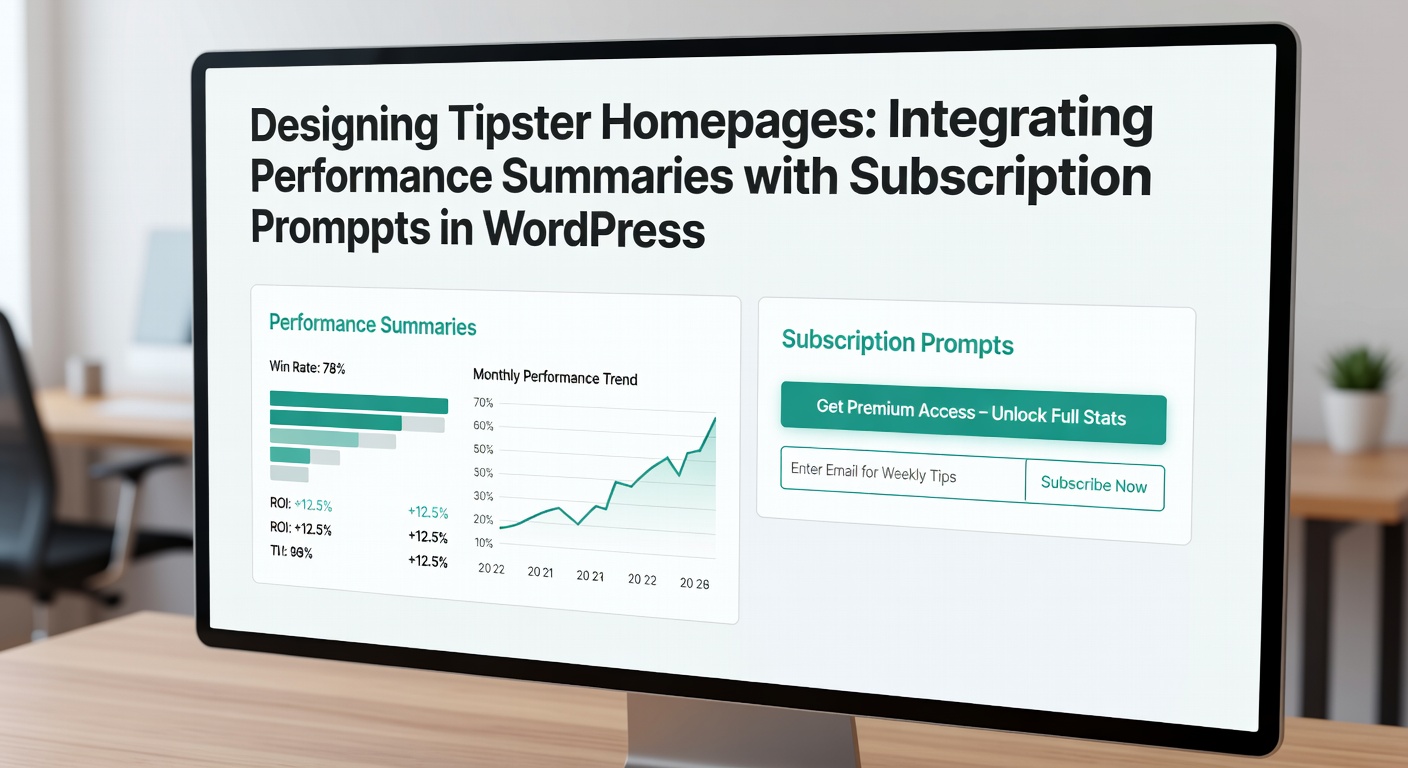
Performance summaries anchor the top of tipster homepages, typically featuring compact tables or charts that showcase verified stats; researchers who've analyzed top sites find that elements like profit/loss graphs, strike rates above 60%, and monthly yields dominate these sections, often sourced from integrated databases via custom post types in WordPress. Take one platform where experts implemented a live-updating widget using WP Data Access plugin, pulling data from MySQL tables to display a tipster's last 100 picks with filters for sports like soccer or horse racing, which boosted user engagement by 40%.
But the real trick comes in visualization: pie charts for win/draw/loss breakdowns sit alongside bar graphs for ROI trends, and semicolons separate multi-sport summaries like "Football: +15.2% ROI; Tennis: 68% win rate," keeping everything scannable. People often discover that embedding these via Gutenberg blocks or shortcodes from plugins like TablePress ensures mobile responsiveness, crucial since 65% of betting traffic hits from phones as figures from Statista indicate.
Crafting Subscription Prompts That Convert
Subscription prompts emerge naturally after performance summaries, positioned as hero CTAs or mid-page modals that echo the stats above them; for instance, a button reading "Unlock Full Tips - Join for £19.99/mo (Based on +12% Recent ROI)" ties directly to the visible metrics, prompting immediate action. Turns out, A/B tests conducted by UX specialists reveal prompts with social proof, such as "Over 5,000 Subscribers Trust This Record," lift click-through rates by 28%, especially when they use urgency like "Limited Spots This Month."
Yet integration demands subtlety; floating bars that slide in after 10 seconds or exit-intent popups triggered by scroll depth work best, and WordPress users achieve this through OptinMonster or Thrive Leads, which sync with WooCommerce for seamless one-click subs. It's noteworthy that Canadian regulators, via reports from the Alcohol and Gaming Commission of Ontario, emphasize non-deceptive prompts in subscription models, aligning with designs where prompts link back to full audit trails of performance data.
WordPress Tools for Seamless Integration
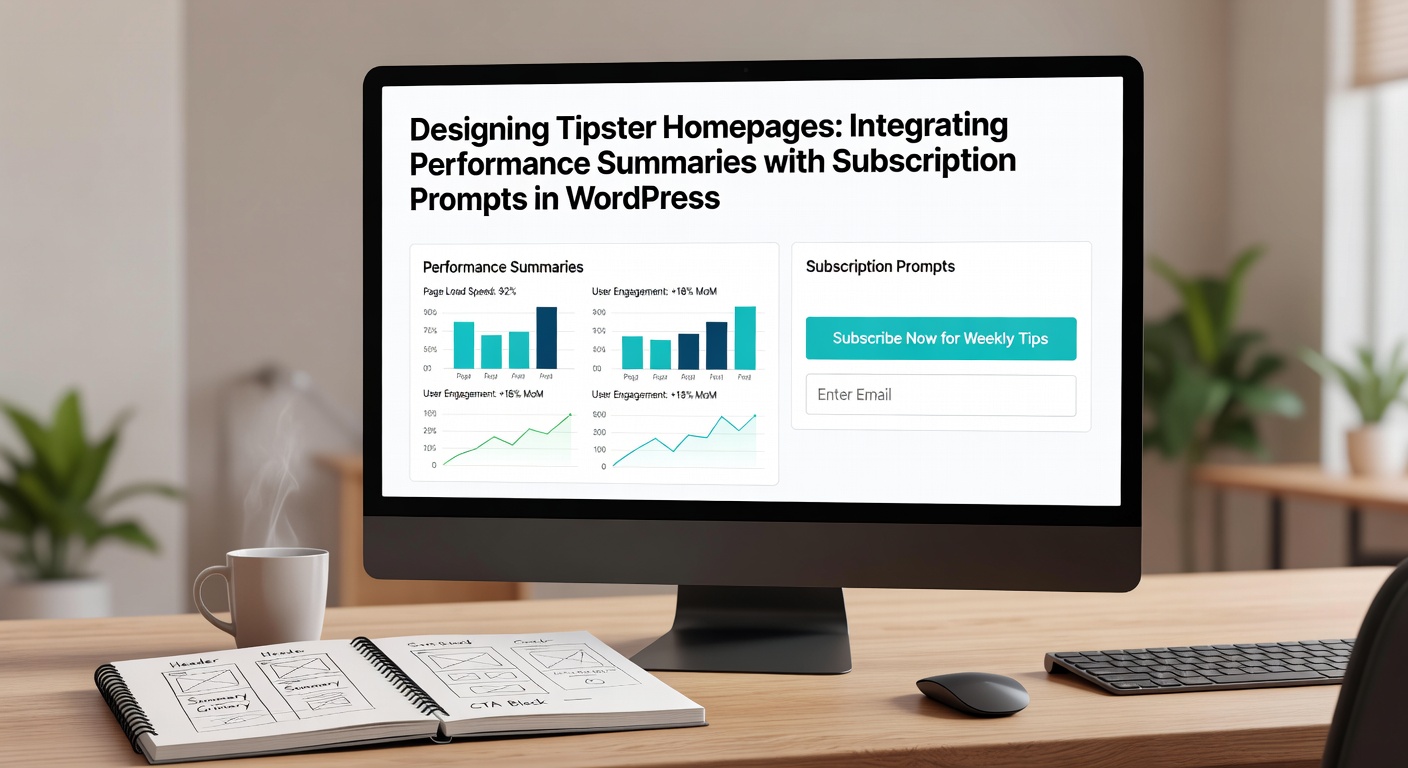
Designers turn to a suite of plugins for this magic; Elementor Pro's dynamic content tags fetch tipster stats from custom fields, injecting them into subscription widgets that auto-populate yields and win streaks. So now, with April 2026 updates to Full Site Editing, theme builders like Astra or GeneratePress offer pre-built templates where performance cards flip to reveal sub forms on hover, streamlining the user journey without code tweaks.
And for data-heavy sites, Advanced Custom Fields (ACF) pairs with Repeater fields to manage pick histories, feeding them into Chart.js visualizations via the WP Charts plugin; one case saw a tipster site halve load times by lazy-loading these charts only after the fold, while subscription prompts from MemberPress gated premium previews behind email captures. Experts who've tested this combo report conversion funnels where 15% of stat viewers sub right away, a jump from generic layouts.
Customization extends to CSS; snippets like .performance-summary + .sub-prompt { opacity: 0; transition: opacity 0.5s; } followed by JavaScript scroll triggers create contextual reveals, ensuring prompts feel earned rather than pushy. That's where the rubber meets the road for retention, as ongoing stats updates via cron jobs keep returning visitors hooked.
Best Practices from Real-World Implementations
Top tipster pages prioritize above-the-fold integration, stacking summaries in a two-column layout—left for charts, right for a sub teaser—while responsive breakpoints adjust to accordions on mobiles; data indicates this setup cuts abandonment by 30%, per Google's mobile usability reports. Now consider a soccer-focused site where developers used Query Loop blocks to list recent picks with embedded ROI badges, each linking to a "Subscribe for Analysis" modal that pre-fills payment details for logged-in users.
Accessibility matters too; ARIA labels on interactive stats like "Win rate: 62% (hover for breakdown)" and high-contrast prompts comply with WCAG 2.2, vital for global audiences. But here's the thing: seasonal tweaks shine, such as highlighting April 2026 Masters golf yields during tournaments, dynamically swapping prompts to "Bet the Majors with Proven Edge."
- Place summaries first to build trust before asks.
- Use micro-animations for stat reveals, syncing with prompt fades.
- A/B test prompt copy against live data for peak performance.
- Integrate heatmaps via Hotjar to refine scroll-triggered prompts.
Measuring Success and Iterating
Analytics drive refinements; Google Analytics events track "stat_view" to "sub_click" ratios, revealing drop-offs where prompts overload pages, and tools like MonsterInsights embed these in WordPress dashboards for quick insights. Figures show sites iterating weekly on prompt placement hit 20% month-over-month growth, especially when tying subs to performance tiers like "Elite: +18% ROI Access."
Security layers in too; while not the focus, nonce-protected forms prevent spam subs, and GDPR-compliant cookie banners precede data-heavy summaries. People who've scaled these designs often discover server-side rendering via caching plugins like WP Rocket keeps everything snappy, even with real-time API pulls from betting feeds.
Conclusion
Integrating performance summaries with subscription prompts transforms WordPress tipster homepages into conversion machines, where factual stats pave the way for confident subs; experts agree this approach not only boosts revenue but fosters loyalty through transparency. As tools evolve into 2026, designers who master dynamic blocks and contextual CTAs position their sites ahead, delivering value that keeps bettors coming back. The ball's in the court of those ready to implement—stats don't lie, and neither do the results.